Free client tracking sheet for dietitians (Excel and CSV)
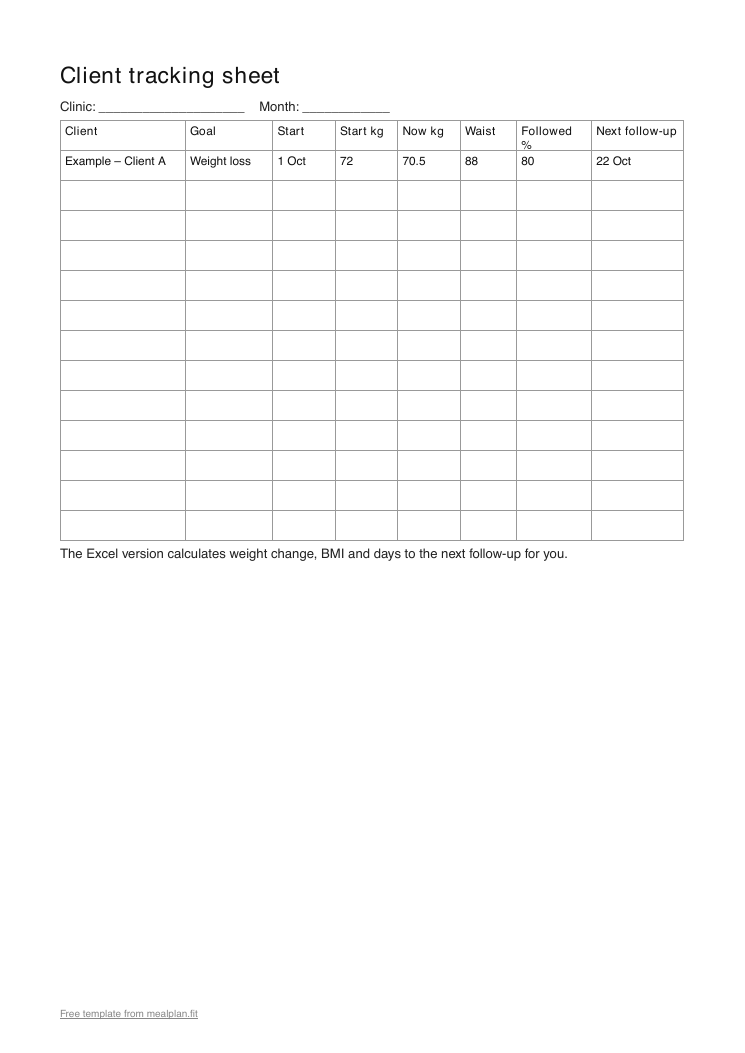
A free client tracking sheet for dietitians in Excel and CSV, with columns for client, start date, goal, weight, waist, adherence, last and next follow-up and notes. Weight change, BMI and days to the next follow-up are calculated for you; the two sample rows are labelled “Example”.
By the mealPlan.fit team · Last updated 15 November 2026
Free to use with your clients. No email or signup. Excel 6 KB · CSV 720 B · PDF 118 KB
Or do it in mealPlan.fit. Clients log weight and meals in your app, so the tracking updates itself.
What’s inside
- One row per client: goal, start date, height and weights
- Weight change and BMI calculated for you
- “Days to follow-up” counts down to each next visit
- Two example rows to show the format, and a printable PDF
How to use it
- Delete the two example rows and add one row per client.
- Update weight, waist and adherence at each follow-up.
- Sort by “Next follow-up” to see who is due this week.
Do this in mealPlan.fit instead
Clients log weight and meals in your app, so the tracking updates itself.
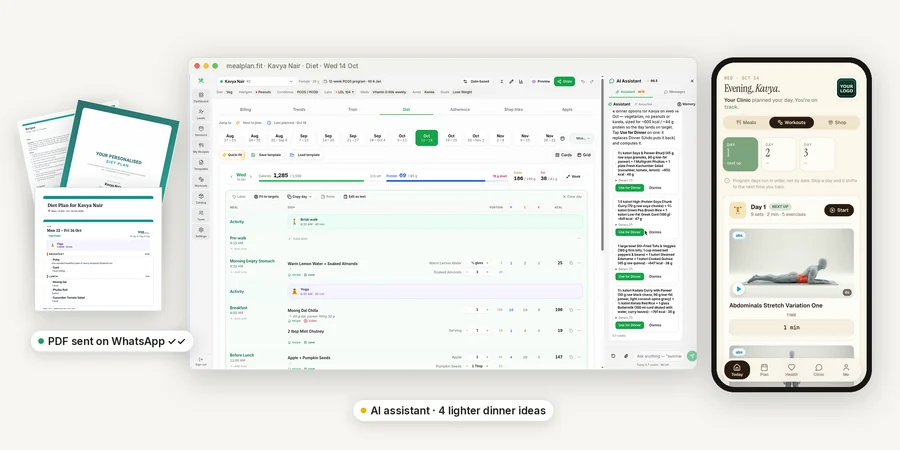
- Weight, check-ins and plan adherence tracked in your own client app
- Your clinic name and logo on every plan PDF
- Send it to the client on WhatsApp in one tap
- Calories and macros add up as you plan; the AI assistant suggests swaps and you approve
- Clients, plans, follow-ups and payments in one place
Questions
What should a client tracking sheet include?
At least the client, start date, goal, weight and measurements, adherence, last and next follow-up and short notes.
Are the sample rows real clients?
No, the two rows are labelled “Example” with placeholder names so you can see the format.
When is a spreadsheet no longer enough?
When you have many clients or a team; mealPlan.fit keeps weights, labs, plans and follow-ups in each client’s record instead.
Related
See it with your own clients
A 20-minute Google Meet on one of your own clients, then we set up your account with you.